
How to Watch Free TV Shows Legally and Easily

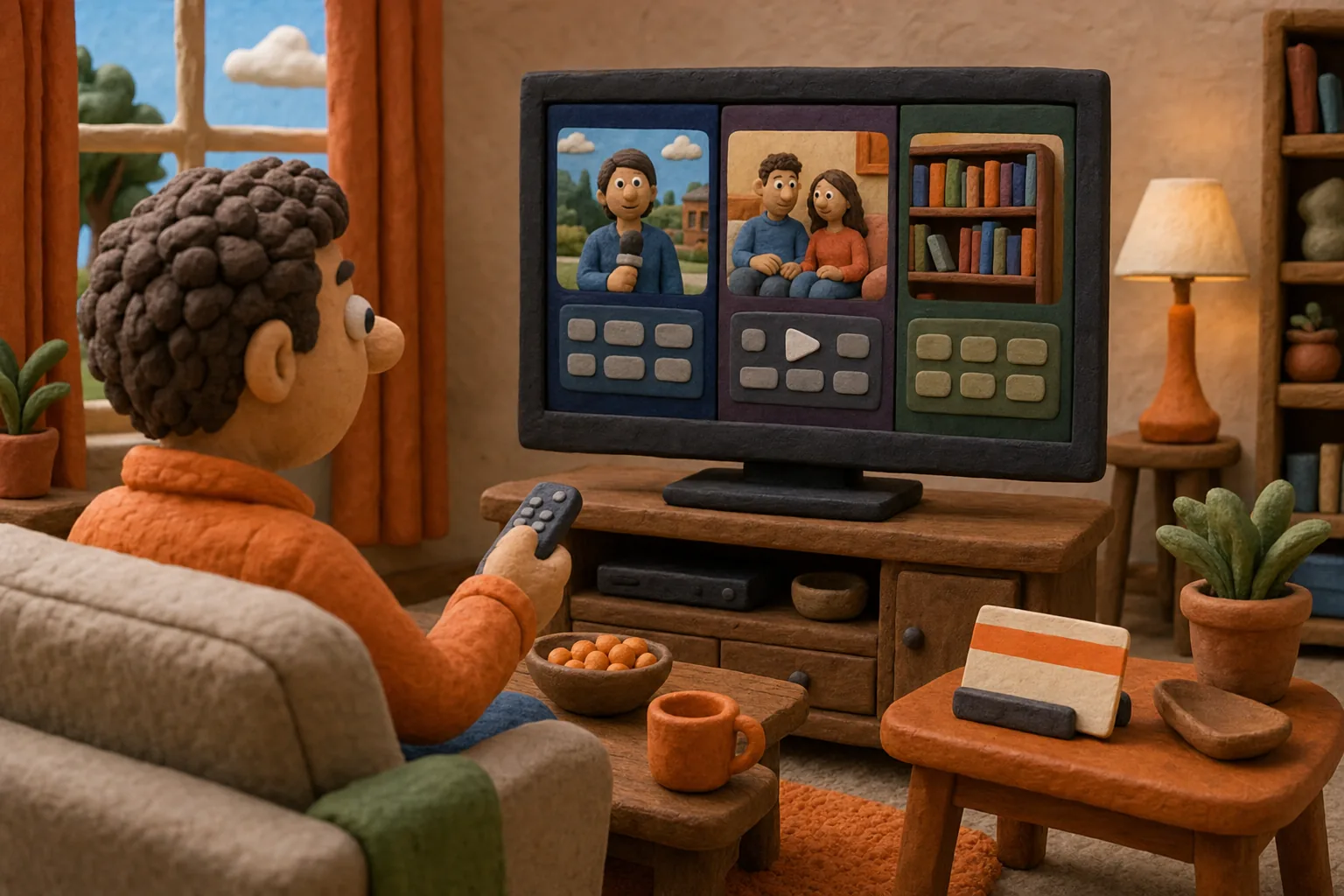
Want to watch a full show without adding another bill? Learning how to watch free TV shows starts with picking an official source, then checking whether the episode is truly free. You can stream on-demand episodes, tune into live channels, borrow shows through a library, or use an antenna for local broadcasts.
We analyzed 59 comments and questions from YouTube and Quora about free TV shows and found that 24% mentioned playback problems.
Here’s how to find the right route, avoid paid titles by mistake, and decide when a free option is worth your time.
Table of Contents
Step 1: Start With Official Free Streaming Sources
Start with a service that clearly marks its free shows or channels. Many legal free services run ads in exchange for access. Some have both live channels and on-demand titles, so you can either follow a schedule or pick an episode yourself.
Look at the apps already on your smart TV. Some TVs include a free ad-supported TV section, often called FAST (free ad-supported streaming TV). Its channels play on a schedule, much like cable. You may also find an on-demand area with shows you can start when you want.
If the built-in choices don’t fit, search your TV’s app store for a known streaming service. Free options may ask you to make an account, but an account is not always needed to start watching. Read the screen before signing up. A free account and a paid plan are different things.
Regular YouTube can also have official free episodes and shows. Search for the show’s official channel or use its Movies & TV area to look for free titles. Search results can mix full episodes with clips, rentals, and paid subscriptions. Check the channel name and the price label before you press play.
Library streaming is another route. If your local library supports Kanopy or Hoopla, you may be able to sign in with a library card and borrow shows. Each library sets its own access rules. Check the app’s borrowing limits before planning a long binge.
For a different kind of street-culture programming, our guide to hood reality TV streaming services can help you compare where that kind of show fits. Keep the same check in mind: confirm what is free before you settle in.
Quick check:Use the official app or website, find the free label, and confirm whether the title needs an account.
Step 2: Match a Free TV Platform to the Shows You Want
Choose based on what you want to watch, not just how many tiles fill the home screen. A live channel works well when you want something on now. On-demand viewing is better when you have a specific show or episode in mind.
Some platforms combine both. Pluto TV has live channels plus on-demand shows and movies. Its live channels follow a schedule, so an episode may not be ready to start from the beginning. Pluto TV is free and ad-supported.
Tubi includes movies and TV shows, along with live channels. Its catalog can change, so a show you spot today may not stay available indefinitely. YouTube can be useful for official episodes, older series, and web shows. Check for a full episode or playlist from a source with permission to post it.
Library apps serve a different need. Kanopy and Hoopla let eligible library members borrow video content. Access and monthly borrowing limits depend on the service and your library.
Use this quick grid to choose a starting point. It’s a sorting tool, not a promise that a specific show is available today.
What you want | Good place to start | What to check first |
A show that plays on a schedule | Live TV channels | Whether the episode is on now or later |
A specific episode | On-demand catalog or official channel | Season, episode, and free label |
Borrowing shows through a library | Kanopy or Hoopla, if your library takes part | Library access and borrow limits |
Local broadcast stations | Over-the-air antenna | Reception at your home |
Pluto TV offers live and on-demand choices, while Sling Freestream also has a mix of live channels and on-demand programming. Either kind can work, but a channel guide is not the same as choosing any episode at any time.
Pick one service based on your viewing plan. If you want a certain series, search its name before making an account or adjusting your setup.
Step 3: Search for a Specific Show and Confirm It’s Free
Search the exact show title, then check the episode page before you commit to a platform. A result may be a clip, a trailer, a paid rental, or a full episode. The word “free” can apply to one season and not the whole series.
On a streaming service, use its search bar first. Open the title page and look for a clear free or watch label. If the service has filters, narrow the results to TV shows or free content. Then check the season list. A few episodes may be available while the rest require payment.
On YouTube, look at the uploader’s channel and the playlist. An official channel is a stronger sign that the show is being shared by its rights holder or distributor. A playlist can help you follow the right order, but it doesn’t prove the videos are full episodes or authorized. Open an episode and check its length and description.
Don’t assume a search result is free just because the video plays a preview. Look for a price, rental, purchase, or subscription prompt. If the listing sends you to a paid channel, back out before you enter payment details.
Availability can change as streaming rights shift. A show may appear in one country and not another, or leave a free catalog later. If you find a free season, save the title or playlist in the service’s watchlist so you can return to it. Recheck the listing if the episode is no longer there.
For Hood Box Office originals, the Hood Box Office Originals page helps you tell previews from full access. We keep the distinction plain: some shows and audio are free, while exclusive uncensored series require a paid plan.
Pro Tip:Before you start a long series, confirm that the next few episodes are included at no cost. That saves you from stopping at a paywall mid-story.
Once the title passes those checks, test one episode. You’ll know whether the video, sound, and ad breaks work for you before you settle in.
Step 4: Set Up Streaming on Your TV, Phone, or Computer
Use the device that gives you the easiest path to the official service. Many free services work through a web browser, phone app, smart TV app, or streaming device. The exact choices vary, so check the service’s supported-device page before you install anything.
On a smart TV, open its app store and search for the service by its exact name. Install the official app, open it, then search for a show or browse its free section. If your TV has a built-in live guide, check that too. It may include free channels alongside apps you add yourself.
On a phone or tablet, download the official app from the device’s app store. A phone is handy for a quick episode, but streaming over mobile data can use your data plan. If that matters, connect to Wi-Fi before you start. You can also use a computer browser when you don’t want to install an app.
If the TV doesn’t have the right app, a supported streaming device or casting option may help. Check that both devices support the service before troubleshooting. Keep the phone and TV on the same home network when the casting setup asks for it.
For local broadcast TV, an over-the-air antenna is a separate option. Connect it to the TV, open the channel setup, and run an automatic scan. Reception depends on where you live and how the antenna is placed. If you move it, run another scan to refresh the channel list.
A recording device can record broadcasts for later viewing, if you want that feature. Check its recording limits before you buy it. A basic antenna setup is for watching broadcasts as they air; it does not automatically give you a streaming library.
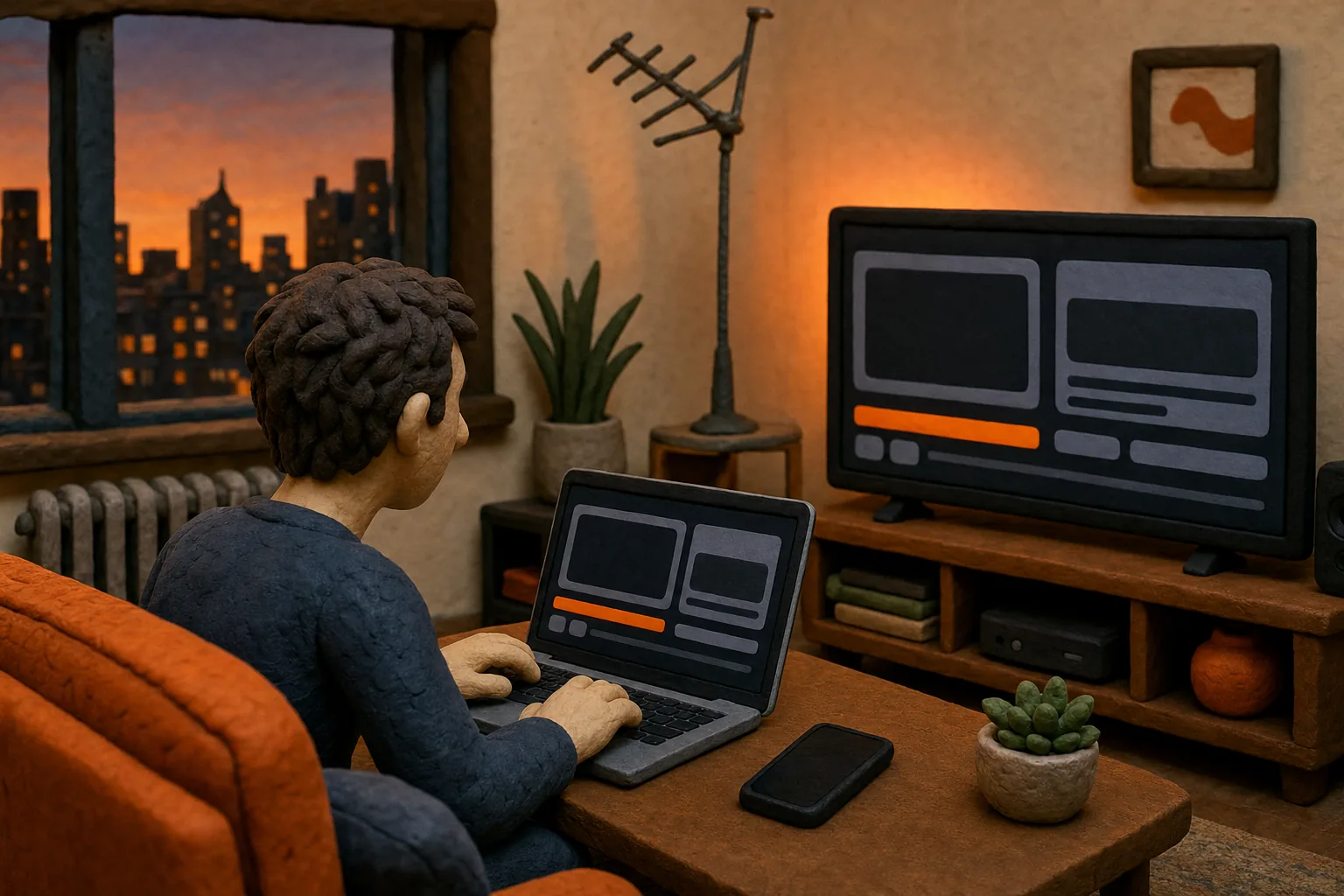
Free streaming services may rely on ads, and device availability varies by service.
At Hood Box Office , we currently stream through our website. Our iPhone and Android apps are coming soon, so don’t look for them as current download options.
Step 5: Make Free Streaming Work With Ads, Schedules, and Viewing Limits
Free viewing usually asks you to trade money for time, a schedule, or a borrowing limit. Ads are common on free ad-supported platforms. If you’re watching a live channel, you may also need to wait for the show to reach the part you want.
For on-demand shows, check how often ads appear before choosing a long episode. The breaks can vary by service and title. Pause when you need to, but don’t expect every app to resume at the exact same point across devices unless you’re signed in and the service supports syncing.
Live channels suit casual viewing. Open the guide, check what’s on, and choose a channel. Pluto TV’s live programming is scheduled, so you may not be able to restart a show or pick an episode from that channel. If you need control over the episode order, use an on-demand listing instead.
Library streaming has a different limit. Your library may set how many titles you can borrow in a month. Check the account page before you start a series. A short limit can change how you plan a weekend watch session.
Catalog rotation is another trade-off. A title may leave a free platform when its rights change. If you have a specific show in mind, watch it while it is available rather than assuming it will remain in the catalog.
Keep your account safe. Use the official app or site, and don’t install an unknown streaming app just because it claims to unlock paid shows for free. A VPN does not make an unauthorized stream legitimate, and it may not make a service available in your region. If a site pushes downloads or asks for payment details before showing its terms, close it.
A simple routine helps: choose a title, verify the free status, then check whether it’s live, on demand, or borrowed. That small pause can prevent a surprise charge or a search for an episode that isn’t there.
Step 6: Know What’s Free on Hood Box Office
Hood Box Office gives you free viewing and listening, plus paid access to our exclusive shows. They are separate parts of our network, so check the label on each title before you press play.
The ChronicCast archive and Hood Box Office radio shows are free to listen to, with no plan needed. We also have free shows and free previews. You can start with those without treating them as full access to every exclusive series.
Paid access is for exclusive, uncensored Hood Box Office programming. Plans start at $9.99 per month. That distinction matters if you’re comparing the network with free ad-supported libraries: the free material gives you a place to start, while a paid plan opens access to premium shows.
To see what is available without a plan, browse Hood Box Office shows and free episodes . Check each show’s page for whether it is free to watch, a preview, or part of a subscription. That keeps expectations clear before you start an episode.
Our focus is street-rooted reality, documentaries, urban comedy, and DVD-era classics filmed in the streets since 2003. If you want that specific lane, the free archive and radio are an easy first listen. If you want every exclusive episode, review the paid plan details before subscribing.
Key Takeaway:The ChronicCast archive and radio shows are free to listen to; exclusive uncensored shows need a paid plan starting at $9.99 per month.
That’s the cleanest way to compare free and paid access here: start with the free collection, then decide whether the exclusive catalog is what you want.
Frequently Asked Questions
Can I watch TV shows online for free legally?
Yes, you can watch some TV shows online for free through official ad-supported services, library streaming, and authorized channels. Search the show inside the service, then confirm the episode has a free label. Avoid uploads from channels that don’t appear to have permission to share the show, especially if they ask you to install unknown software.
Do free streaming services make you create an account?
Some free services let you start watching without an account, while others ask you to sign up to use certain features or access titles. An account does not always mean a paid subscription. Read the page before entering payment details, and check whether the service labels the episode as free or part of a paid plan.
Can I watch free TV shows on my smart TV?
Yes, many free streaming services have smart TV apps, and some TVs include built-in free channels. Open the TV’s app store or channel guide and look for the official service. If your TV doesn’t support the app, check whether a supported streaming device or computer browser can play it instead.
Can I watch live TV without paying for a subscription?
Yes. Free ad-supported services carry scheduled live channels, and an antenna can receive local broadcast stations where reception allows. Live channels follow a program schedule, so you may not be able to choose an episode or restart a show. Use an on-demand listing when you want to pick the episode yourself.
Is Hood Box Office free?
Some Hood Box Office content is free, including the ChronicCast archive and radio shows, which need no plan. Free shows and previews are also available. Exclusive uncensored shows require a paid subscription, with plans starting at $9.99 per month. Check the title page to see which kind of access applies.
Conclusion
Start with an official service and verify the episode’s free status before you watch. If you’re looking for street-focused programming, begin with the free ChronicCast archive or browse our free shows, then decide whether our exclusive catalog fits what you want.



Comments